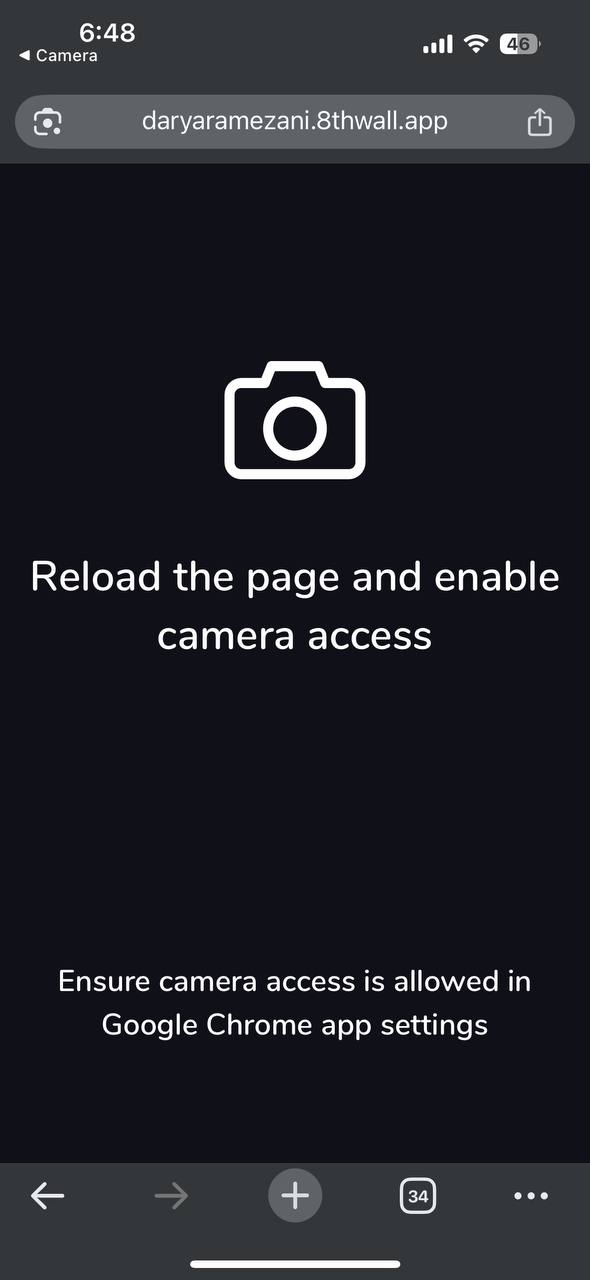
when I scan the published QR code, it gives giving me this page that says
“Reload the page and enable camera access” and “ensure camera access is allowed in Google Chrome app setting” even though the camera access is allowed on my settings. The AR was working and then sudddenly it happens!
Hi!
iOS has a few different permissions that affect Camera Access and it’s not super obvious what could be blocking access. My suggestion is to:
- Check that Safari and Chrome have Camera enabled.
- Settings > Privacy & Security > Camera > Chrome & Safari Enabled.
- Check that Safari has Camera access.
- Settings > Apps > Safari > Camera > Ask or Allow
- Check that Chrome has Camera access.
- Settings > Apps > Chrome > Camera > Ask or Allow
Keep in mind that all Browsers on iOS are using Safari under the hood so as far as I’m aware both Browsers need to have Camera enabled.