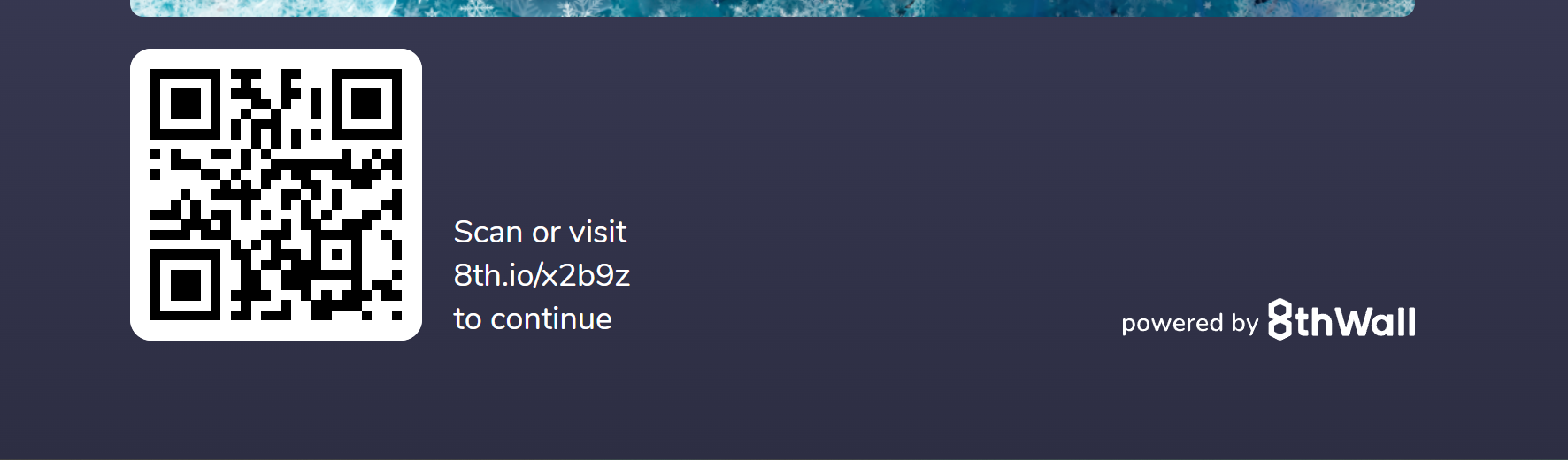
We are going to start using our projects in Mexico activations, we would like to know if there is a way to change the text on the banner that appears when you open the project on a PC. Would love having it in spanish.
This is the text I’m referring to (the scarn or visit … to continue) :
I know that we could make an observer and change it dynamically but seems like a really convoluted way of doing it and would like to know if there is another way
Hi! I don’t think this functionality is built-in, however this would make a great feature. I would go with the Mutation Observer for now.
I am not sure why you aren’t consulting this with the ones responsible of making these modules, but after digging a little bit more, I found that this functionality is actually built-in, so in order to have this thread closed and leaving record for future reference. Here is how you can change landing page text and other settings:
Just go to modules tab and open the landing page module (add it if it doesn’t show), after clicking the whole setting menu will open, here you can change the prompt prefix and suffix to whatever language you need
Here is the resulting landing page, now in spanish: