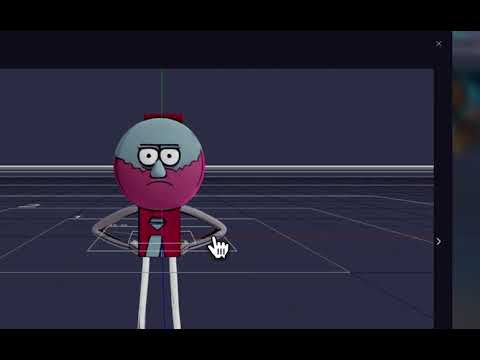
Hello, when I create 3D assets using the genAI Asset Lab, they appear in the Asset Lab tab of the left studio panel as expected.
However when I drag and drop them onto the scene, I get an error “Invalid file dropped”. That’s a bit surprising considering they were created from within the Studio itself…
Edit: it also happens with 2D files that got added to the project from the first step of the Asset Lab workflow…
Hi George, thanks for the response. For some reason I cannot play the video you posted.
I figured out what you meant, and the 3D file did appear in the Files tab. However it looks nothing like the little preview in the Asset lab tab (I guess thats another issue). I also think the overall userflow is not very intuitive, the drag and drop should either automatically perform the action, or a clear message should explain what to do.