I’ve been playing around with several test scans in Unity with the Lightship API but now I want to try using the SAME test scans with 8th wall. When I go to the geospatial browser through an 8thwall project, however, NONE of my test scans show up. They are still there and active when I enter the geospatial browser through lightship.dev. Since my goal is to compare my Unity tests with 8thwall tests it is very important that I use the same scans
Hi, welcome to the forum!
It’s not possible to share the same locations between Lightship (Unity) and 8th Wall.
Thanks, George. That’s too bad. I was hoping since I was using the same email address they could be linked. I’ve had a lot of decent success with Lightship but, so far, not very good luck with 8th wall. I watched your tutorial “Beyond the Classroom” and I’m trying to something similar to what Ian Curtis did with his historic photo example. I can pin the postcard fairly well in Unity but what attracted me to 8thwall was the web-based, QR code (outputting to Apple IOS is no fun). Even though I have the postcard as a child of the mesh, it still drifts really badly in 8th wall. Also, I couldn’t find a way to download the .glb to make it an occluder (not that that would have solved anything). Is there a reason a test scan would drift so badly in 8thwall? My test scans (of the same place) in Lightship are much, much better
Here is my best try:
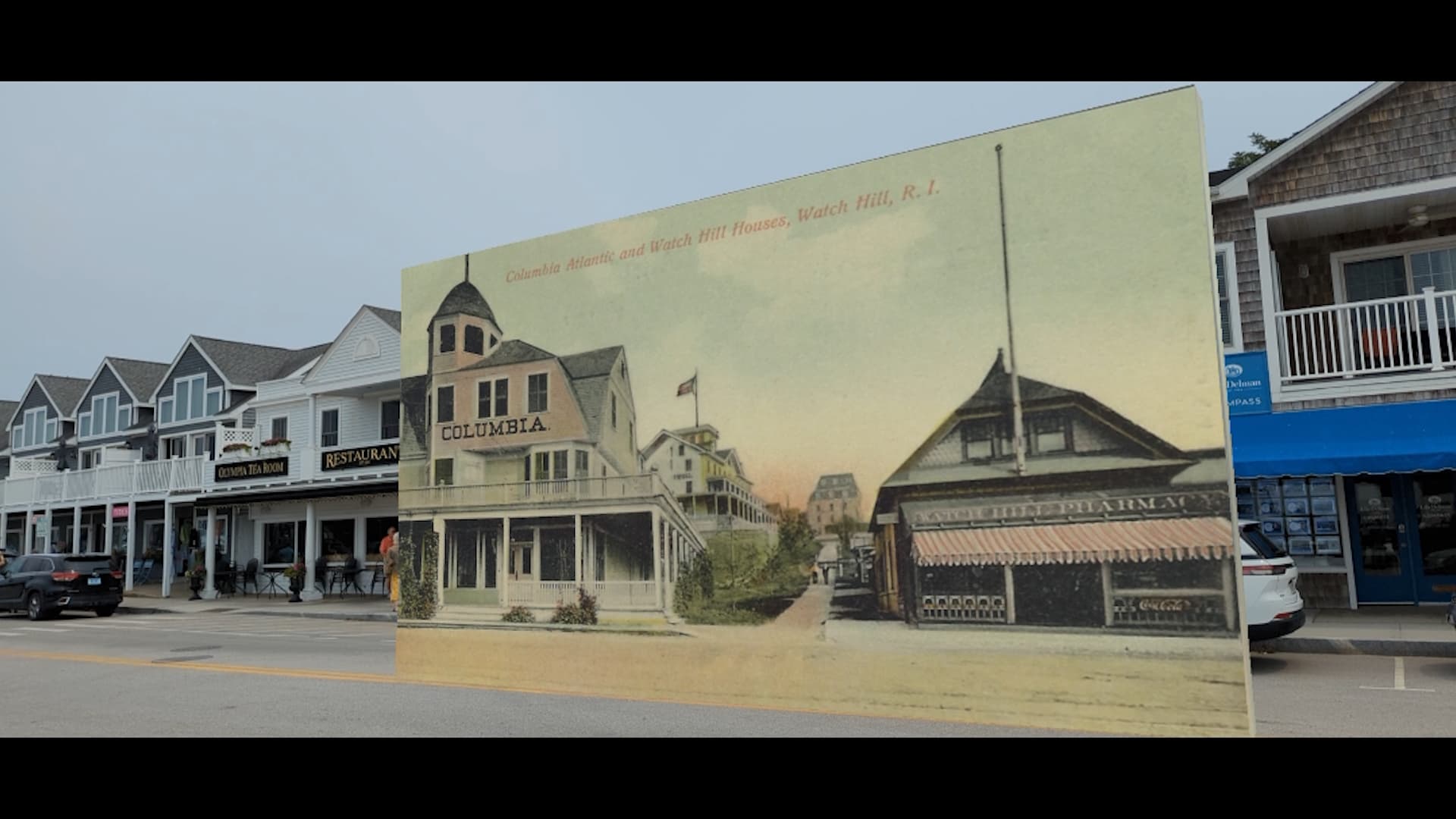
Can you share the locations details with me like the Name and Latitude and Longitude, that way I can look into the drifting issue. In general though Test Locations tend to not behave nearly as well as Private or Public Locations because they’re built from only a single scan.
I was wondering about that but, of course, the scans I’m using in Unity are single, test scans too. That’s why I was hoping I could use the same ones and compare.
This is not the same place as my image above but this is the one I was testing with today:
da346ed91d874ac09db18f9049f8dfb9.107
41.370981, -71.842011
Here’s another, related, question. When I go to scan on my iPhone, I know how to get into Lightship to scan into that portal into the GeoSpatial Browser, but how do I make sure my scans with my phone go into the 8th Wall version? And could it be any more convoluted?  I’m doing this at 5:30 in the morning!
I agree it’s really confusing lol, we have a guide here on linking your 8th Wall and Scaniverse account.
Yeah.. well I did that. But … okay… so if I’m at the site and I want to scan to Lightship, I go to Geospatial Browser and click on the map icon. But, now that I linked my 8th wall account to Scaniverse too, how do I know I’m scanning into 8th wall and not Lightship? Ideally (and I use that term very loosely), I’d like to scan the location first with Lightship and then, immediately, scan it to 8th wall. Would my life be easier if I just signed up with a different email?
You can make sure you’re using your 8th Wall account by opening the Geospatial Browser in Scaniverse and ensuring that you’ve selected the correct Workspace. See (#1 on the image https://www.8thwall.com/docs/studio/guides/xr/vps/#browsing-the-gsb-map-in-scaniverse)
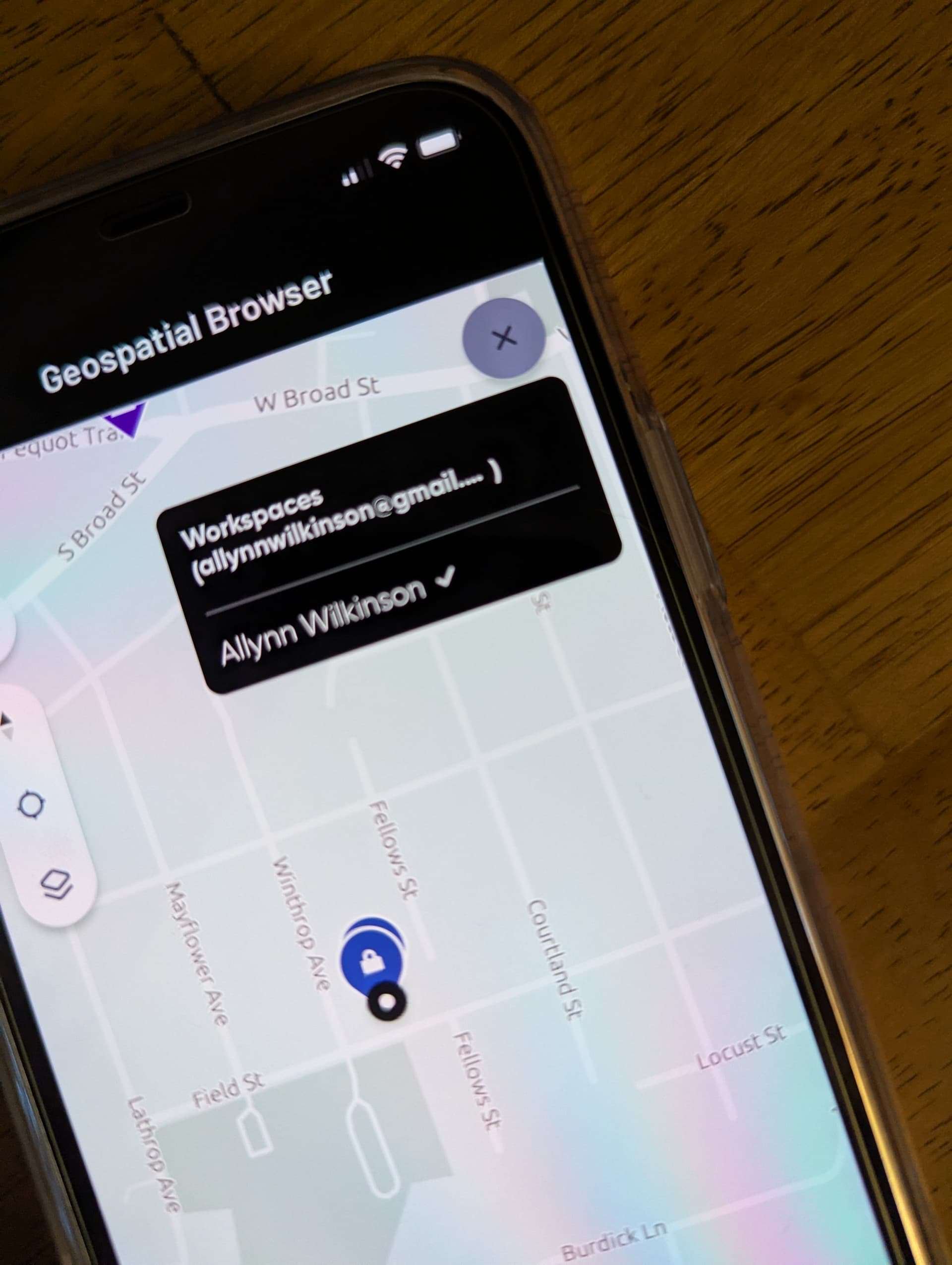
Looking into this now. It would be much easier if you used a Public Location for testing, since both accounts would be able to access it. I recommend selecting a nearby Public Location, as it will better reflect how VPS is expected to perform in an active environment.
Adding on here, it looks like only Lightship or 8th Wall can be linked to a Scaniverse account, not both. Using Public Locations to test VPS functionality across platforms will definitely be your best bet.
Thanks George and Evan, Too bad it’s one or the other with Scaniverse. Maybe you guys can work on that? I would think that a Niantic Developer account would work across both.
I think you’re right about using a public location. Best to compare apples with apples. Fortunately, there is one (and only one) really close to the site I’m working with . Here are the details. Fisherman Sculpture
Public
VPS: Activated
Location ID: 0013553401d04f8cba67078aa889b6be.16
27 Bay Street, Westerly, RI 02891, USA
41.312, -71.856
I’ll do something with it in both platforms and report back. Thanks for all your great info